As your Zscaler deployment engagement reaches its conclusion, we’d like to formally close out the delivery phase and outline what comes next.
It has been a pleasure working with your team. We appreciate the opportunity to support you in designing and implementing your Zscaler environment and helping position it for long-term success.
Best regards, TBD |TBD
Project Completion
At this stage, the deployment engagement has been completed based on the agreed scope and the work performed to date. Any final documentation and validation associated with delivery have either been completed or reviewed as part of the close-out process.
With deployment now concluded, your environment transitions from active delivery into steady-state operation.
Ongoing Support
Going forward:
Zscaler Support becomes your primary channel for platform-related support, incident response, and break/fix assistance.
SecureDynamics’ delivery services formally conclude with this engagement.
This ensures a clean and appropriate transition into standard operational support.
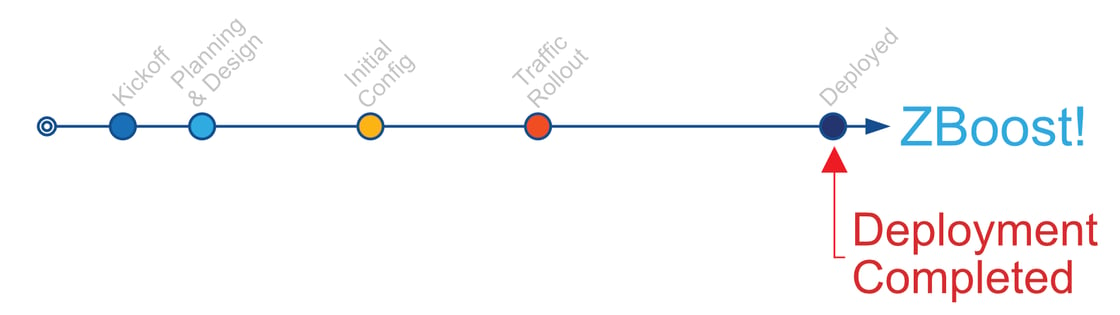
Continued Guidance with ZBoost (Included)
As part of your engagement with SecureDynamics, you are automatically enrolled in ZBoost for your entire first year at no additional cost.
ZBoost is designed to help you continue getting value from your Zscaler investment beyond initial deployment. Through ZBoost, your team has access to guidance such as:
Configuration assistance and optimization
Best practices and architectural advice
Operational questions and design reviews as your environment evolves
There is nothing you need to activate or subscribe to separately—ZBoost is already included and available to you.
You can learn more about ZBoost here:
👉 https://cm360.securedynamics.net/zboost
Details on how ZBoost is used and what to expect during the first year will be reviewed as part of the final closing discussion.
If you want deeper guidance on any deployment topic—such as connector design, policy structure, or advanced configuration—enter #zboost followed by your most questions directly in our custom GPT.
For example:
#zboost how do I configure SCIM for ZPA with Entra ID?
ZBoost instantly connects you to validated technical content, deployment playbooks, and design templates to help you go even further.